
Transfers & ownership
Selling, gifting, or handing on a tagged item? Ownership can move from one Zenhoko account to another so the new owner gets the notifications and controls. There are two ways it happens — depending on who starts it.
Two ways ownership moves
The right flow depends on who’s initiating:
You give it away
Transfer with a code. You, the current owner, generate a transfer code and hand it to the new owner. They enter it to claim the item.
Someone asks for it
Ownership request. A finder (or buyer) asks you for the item through its page. You review and approve or deny.
Note
Giving an item to someone (transfer code)
- 1
Start the transfer
Go to Transfers (or open the item), choose to transfer it, and generate a transfer code. Share that code with the new owner however you like — in person, by message, on the receipt.
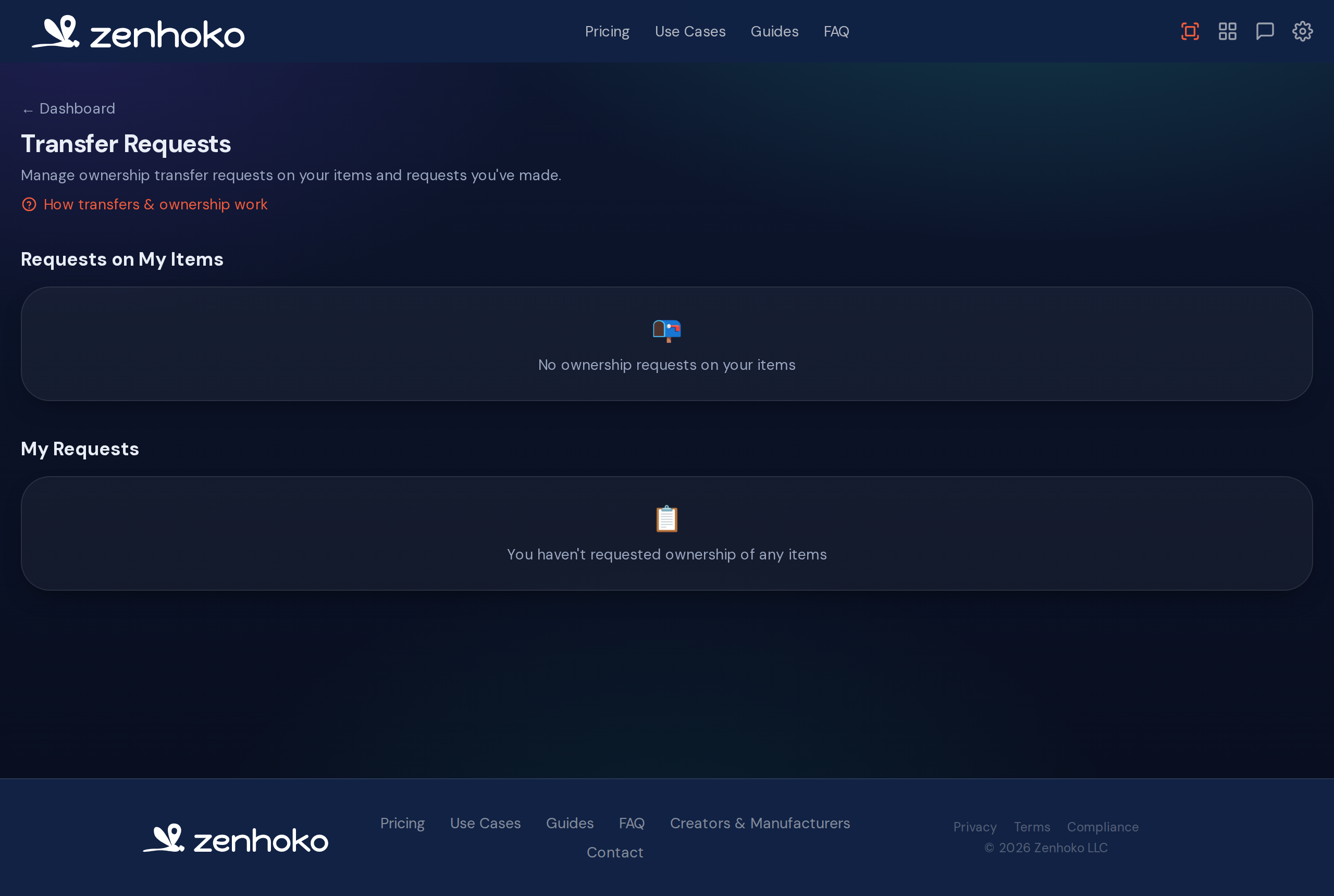
The Transfers hub shows what you’re sending out and what’s incoming. - 2
They claim it
The new owner signs into their own Zenhoko account, enters the code, and the item moves to them. From that moment they receive the scan notifications and control the item’s details.
- 3
Changed your mind?
As long as it hasn’t been claimed yet, you can cancel a pending transfer from the Transfers page and the code stops working.
Transfers are a handoff, not a copy
Requesting an item you found
- 1
Send a request
If you’ve found an item and believe it should be yours (say you bought it second-hand), open its page and request ownership, giving a reason. This goes to the current owner — it doesn’t transfer anything on its own.
- 2
The owner decides
The current owner sees your request under Transfers and can approve or deny it. If a request is unwanted or abusive, they can deny and block further requests from that person.
Common questions
Didn’t find what you needed? Browse the FAQ or contact support.