
Messages & finder contact
When someone finds your item, the whole conversation happens through Zenhoko — with no personal details exposed on either side. Here’s how it works, from both the finder’s and the owner’s point of view.
What a finder does
A finder never needs an account. Scanning the tag is enough to reach you.
- 1
Scan and open the item
The finder points their phone camera at the QR tag and taps the link. They land on the item’s page, which shows just enough — the category, your description, and a photo if you added one — to confirm it’s the right thing.
- 2
Tap “I Found This Item”
They write you a short message and can share the location where it was found, which helps with recovery. Finders who are signed in can attach a photo too. A quick anti-spam check keeps things clean.
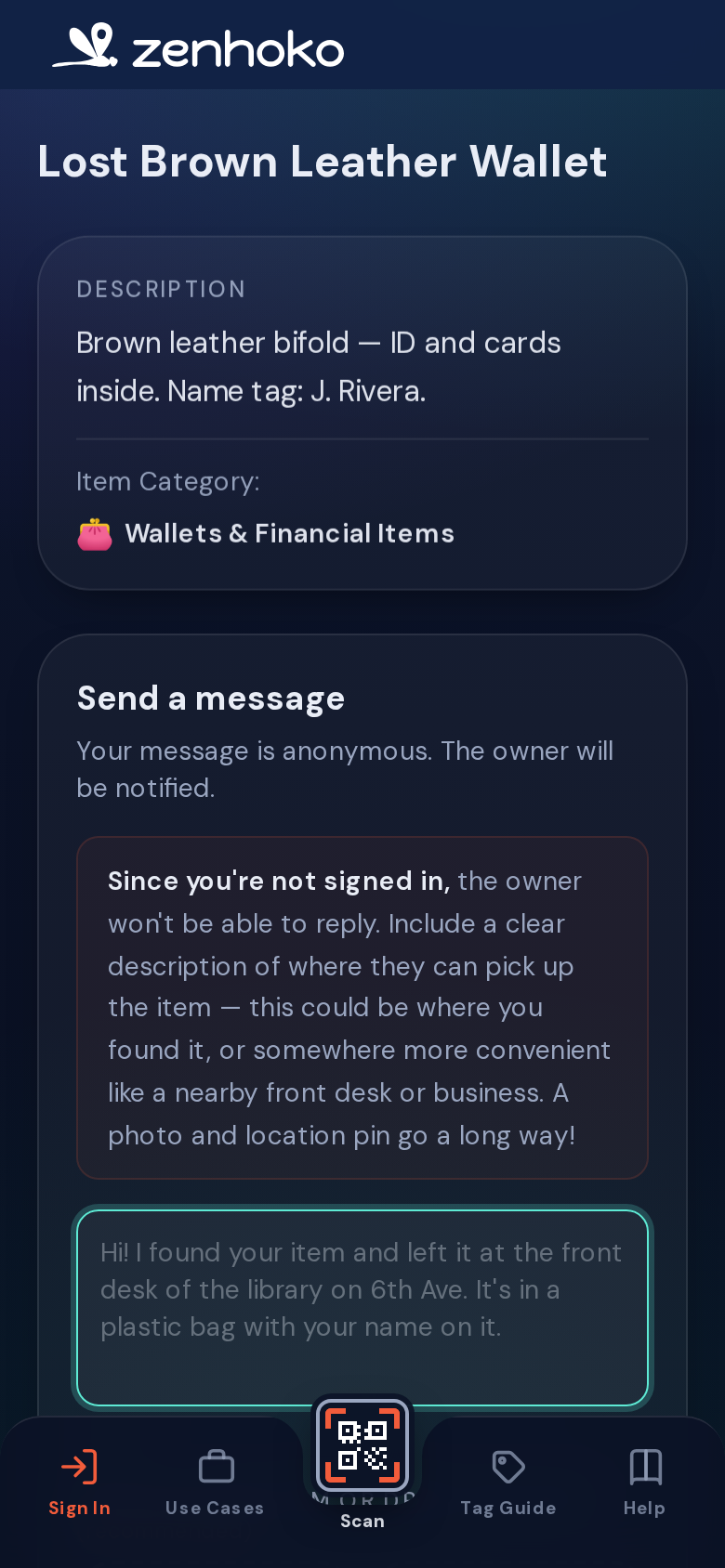
The finder’s contact form, signed out — message plus optional find-location. A photo picker appears here for finders who are signed in. - 3
Keep chatting without an account
After sending, the finder gets a private link to the conversation, remembered in their browser for 72 hours. They can come back, read your replies, and respond — all without ever signing up. Their find history lives on their device, not in a public profile.
What you (the owner) do
- 1
Get notified
You’re alerted the way you chose in settings — email and/or browser push. Set those preferences up front so a find never slips by (covered in the account & privacy guide).
- 2
Reply from your inbox
Open Messages to see every conversation across all your items. Reply right there — the finder sees it on their end instantly. Save time with quick message templates for the things you say often.
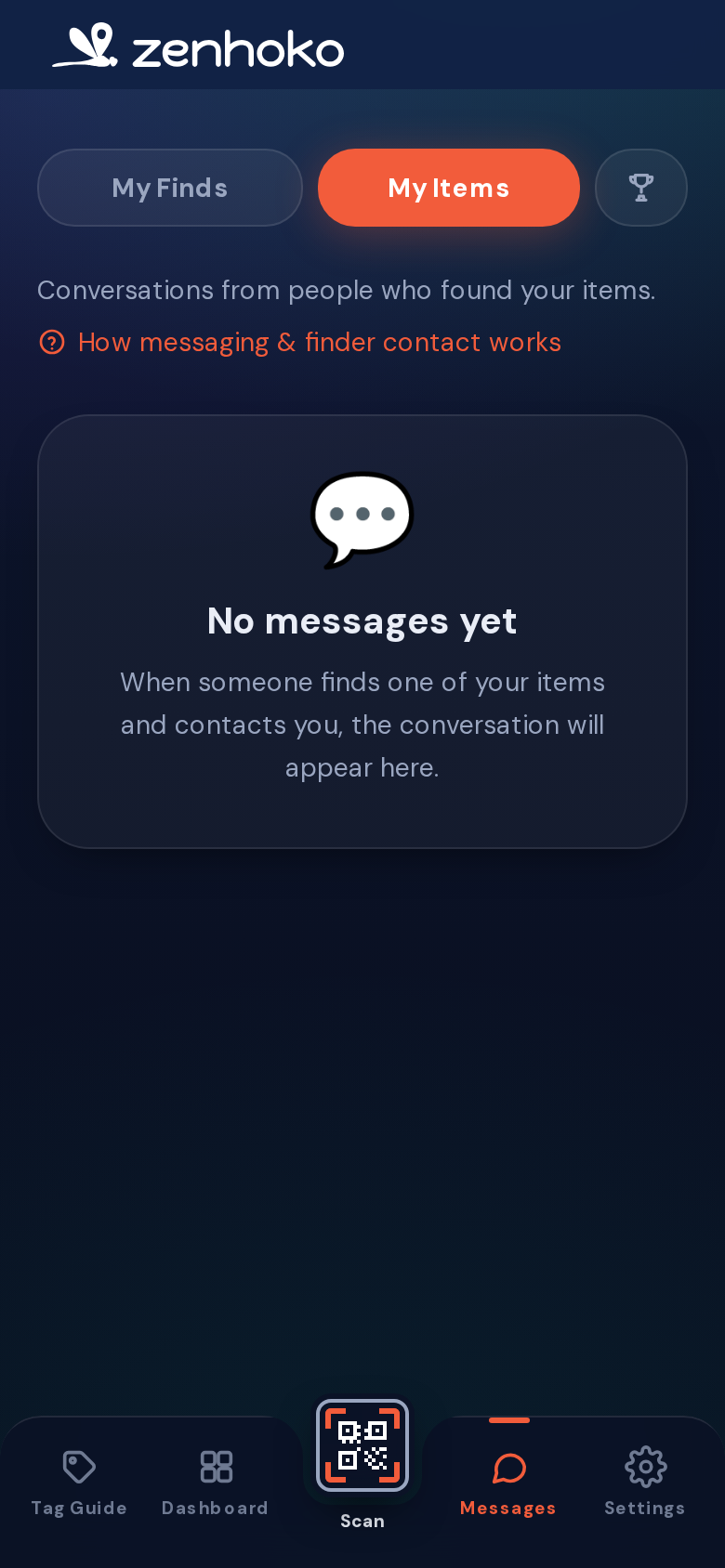
Your conversations — finder threads across every item, in one place. - 3
Wrap it up
Once you’ve arranged the return, mark the conversation Resolved. It stays open a little longer in case there’s follow-up, then closes automatically. You can also close it immediately.
Privacy & safety
Your privacy
Didn’t find what you needed? Browse the FAQ or contact support.