
Account, notifications & privacy
A quick tour of the settings that decide how you hear about finds, what a finder can see, and how to change or close your account. Most of this lives on your Settings page.
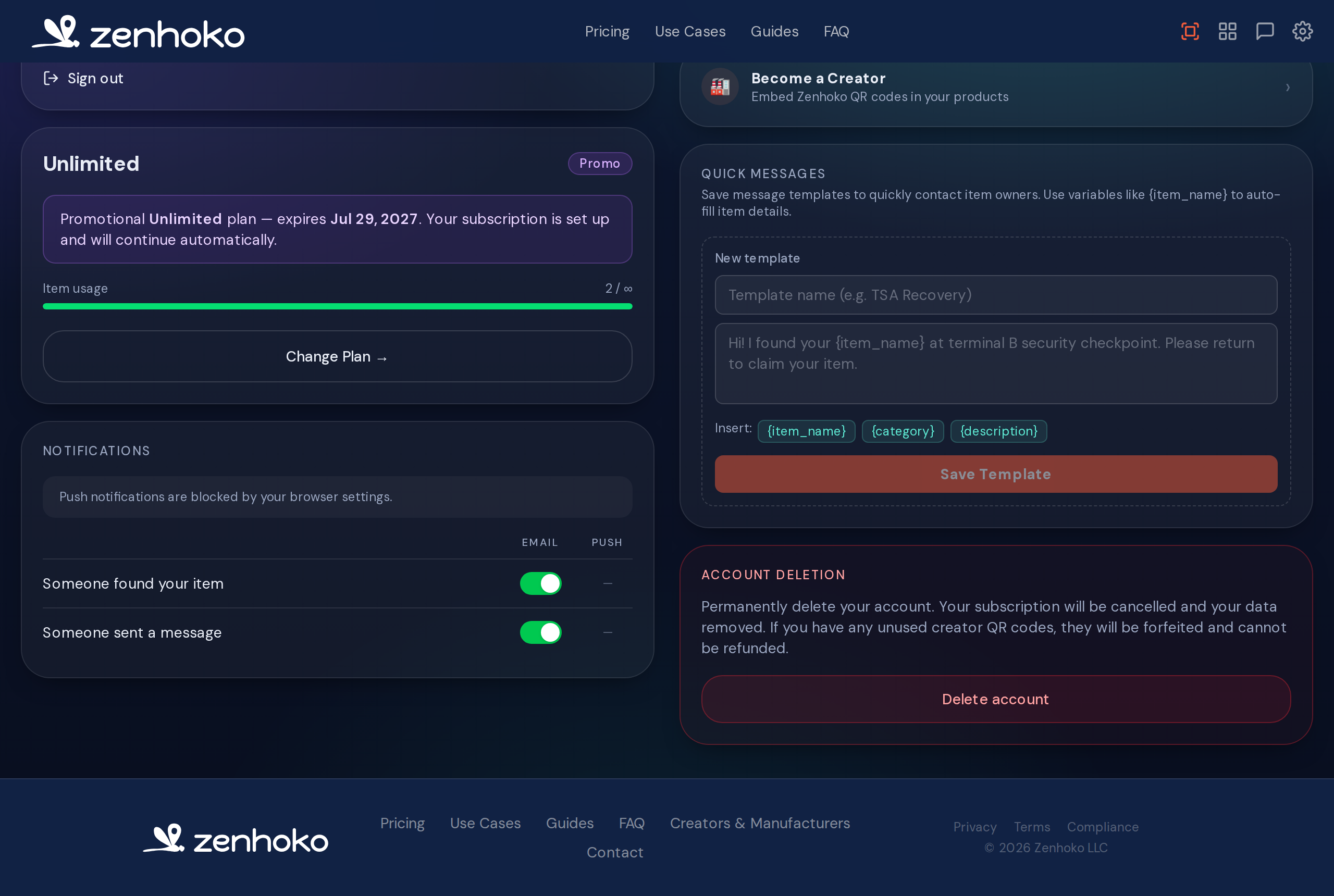
Notifications
Choose how — and how often — Zenhoko reaches you when something happens to one of your items.
- • Email notifications for new finder messages, when an item is marked found, and account changes.
- • Browser push for instant alerts on your phone or computer — turn it on and approve the browser prompt.
- • Per-event control so you can, say, get pushes only for brand-new finds and keep the rest to email.
Tip
Controlling what a finder sees
By default a finder sees only the item’s category, your description, and a photo if you added one — never your identity. Two extra controls let you fine-tune things per item:
- • Visibility — for pet tags especially, choose which details are shown to whoever scans.
- • Quiet mode — temporarily mute an item so scans don’t notify you. Useful for an item that’s stored away or not currently in use, and for stopping unwanted or repeat messages about an item you haven’t lost. Messages are still saved, and notifications switch back on by themselves the moment you mark the item lost or stolen — so muting an item can never cost you the report that matters.
Your privacy
Changing your email or password
Update your credentials from Settings. For your security, changing your email requires re-entering your password, and we send a heads-up to your old address so you’d know if it wasn’t you.
Deleting your account
You can permanently delete your account from Settings. To confirm it’s really you, we email a one-time code that you enter to finish.
This can’t be undone
Didn’t find what you needed? Browse the FAQ or contact support.